
How to
How to Turn a Photo Into an Oil Painting With AI (Online)
Discover how to transform your favorite photos into stunning AI-generated oil paintings in minutes — fully online, with creative control over the final result.
How to Turn a Photo Into an Oil Painting With AI (Online)
You probably have a photo you love — a portrait, a travel memory, or a moment that deserves more than sitting in your camera roll. What if that photo could become a real piece of art, styled like an oil painting created by a professional artist?
Today, you don't need painting skills, brushes, or expensive software. Thanks to AI image generation, you can transform a photo into an oil-painting-style artwork in minutes — fully online, with creative control over the final result.
Instead of applying a simple filter, modern AI tools analyze your image, reinterpret it, and recreate it using painterly textures, brush strokes, and artistic composition. The result looks less like a "photo effect" and more like art you'd actually hang on a wall.
Below, we'll show you how to turn a photo into an oil painting using AI — step by step — and how to get the most realistic, print-ready results.
Create an AI Oil Painting From a Photo in 3 Simple Steps
With AI art generators like Paintola, turning a photo into a painting is fast, intuitive, and doesn't require installation or design skills. Everything happens directly in your browser.
Step 1: Upload Your Photo
Start by uploading the image you want to transform. Portraits, pets, landscapes, and architecture work especially well. The AI uses your photo as a base — not just copying it, but reinterpreting it artistically.
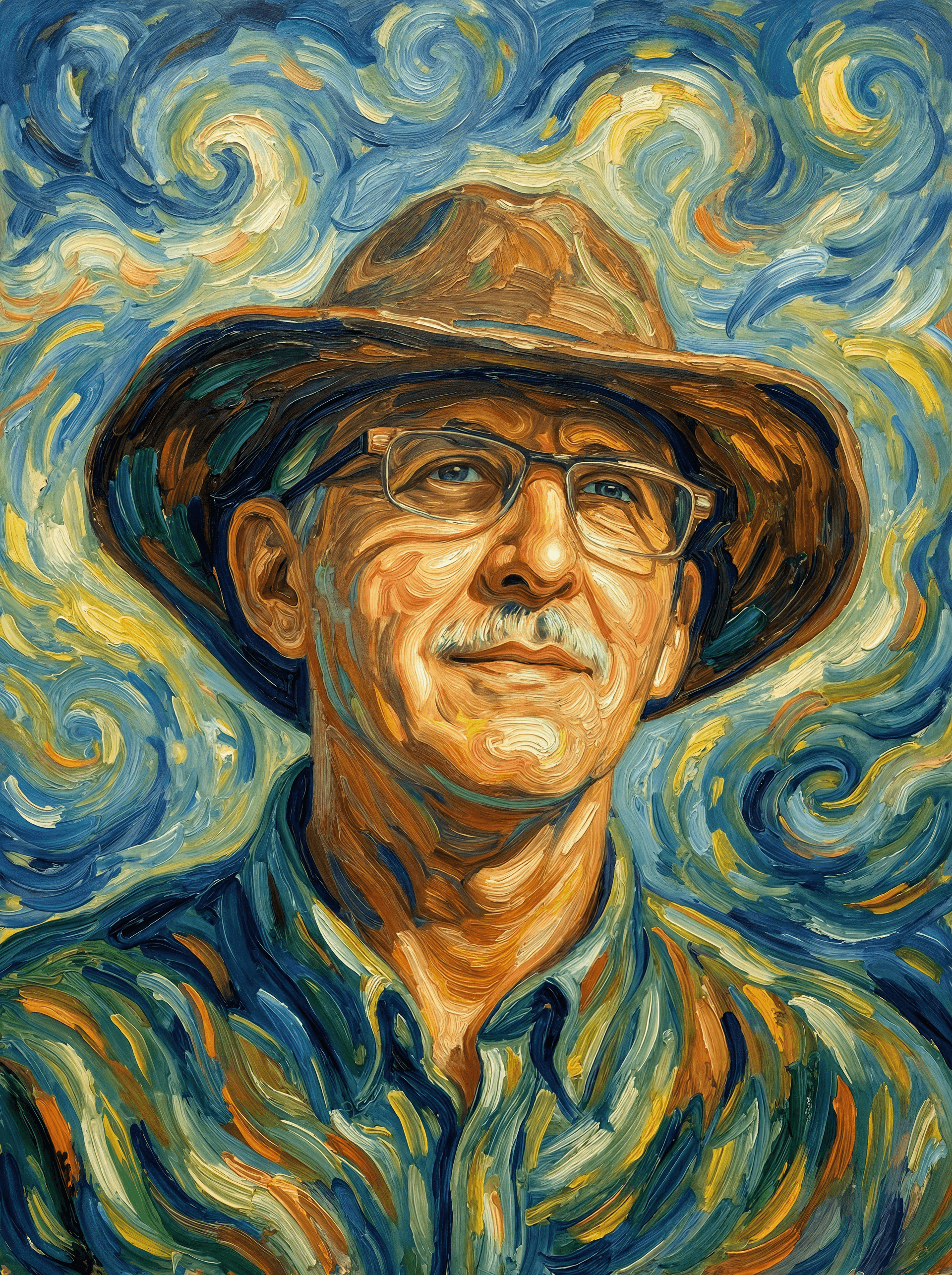
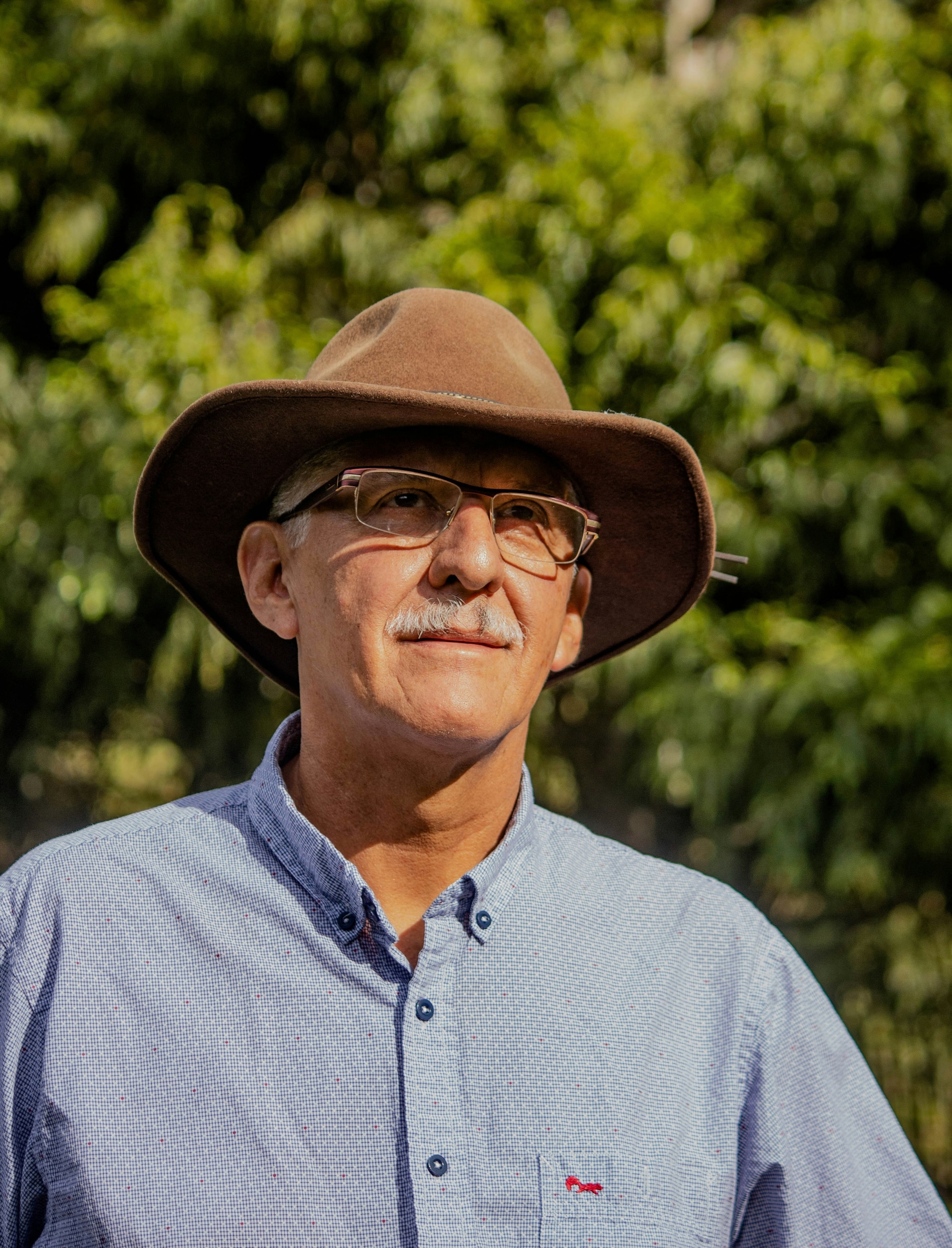
Photo transformed into Van Gogh style using Paintola
View Example
Step 2: Choose an Oil Painting Art Style
Select an oil-painting-inspired style. Instead of generic filters, AI art styles are trained to recreate the look of real paintings — including texture, depth, and brushwork.
You can experiment with different artistic directions until you find the one that matches your vision.
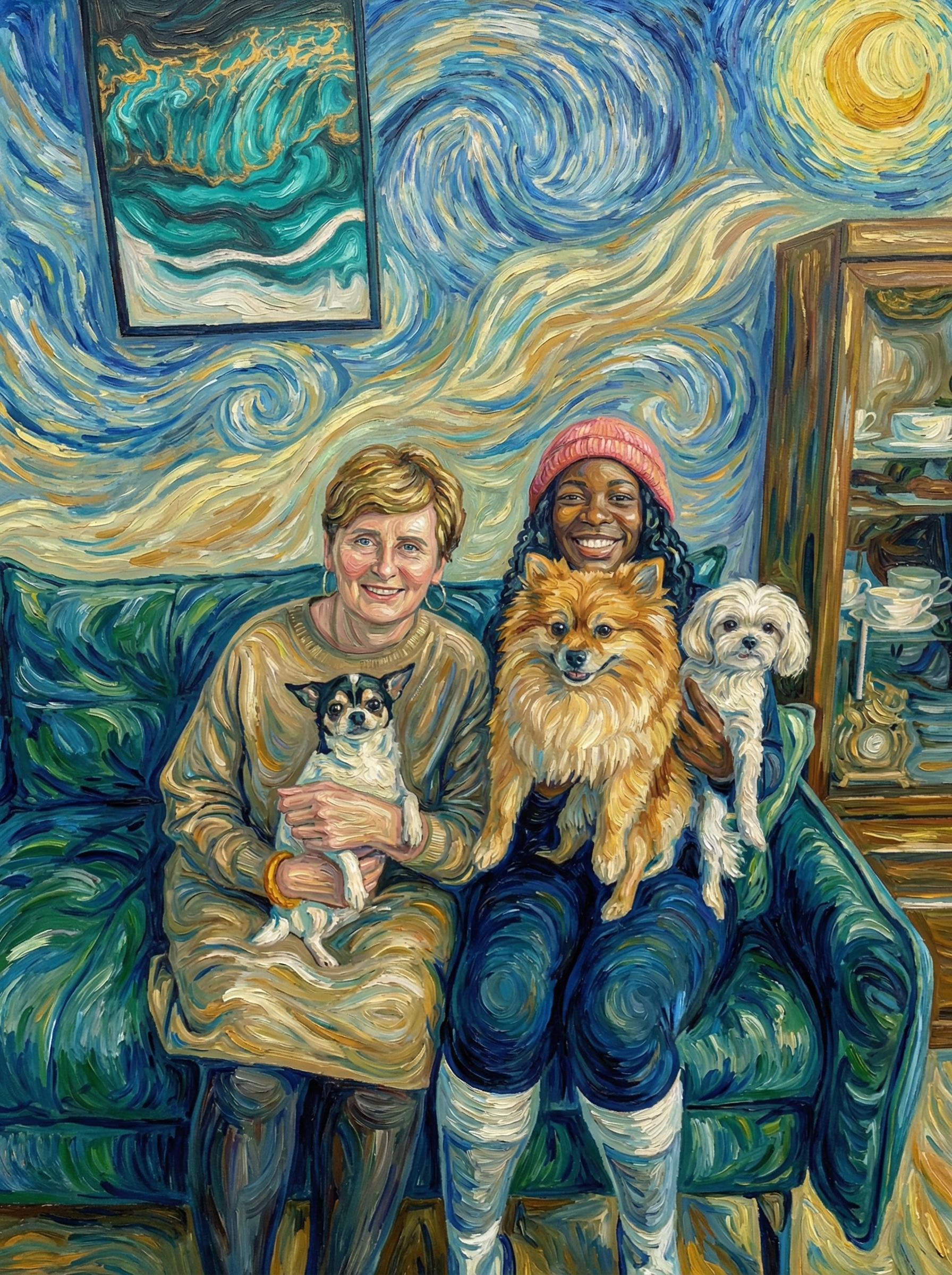
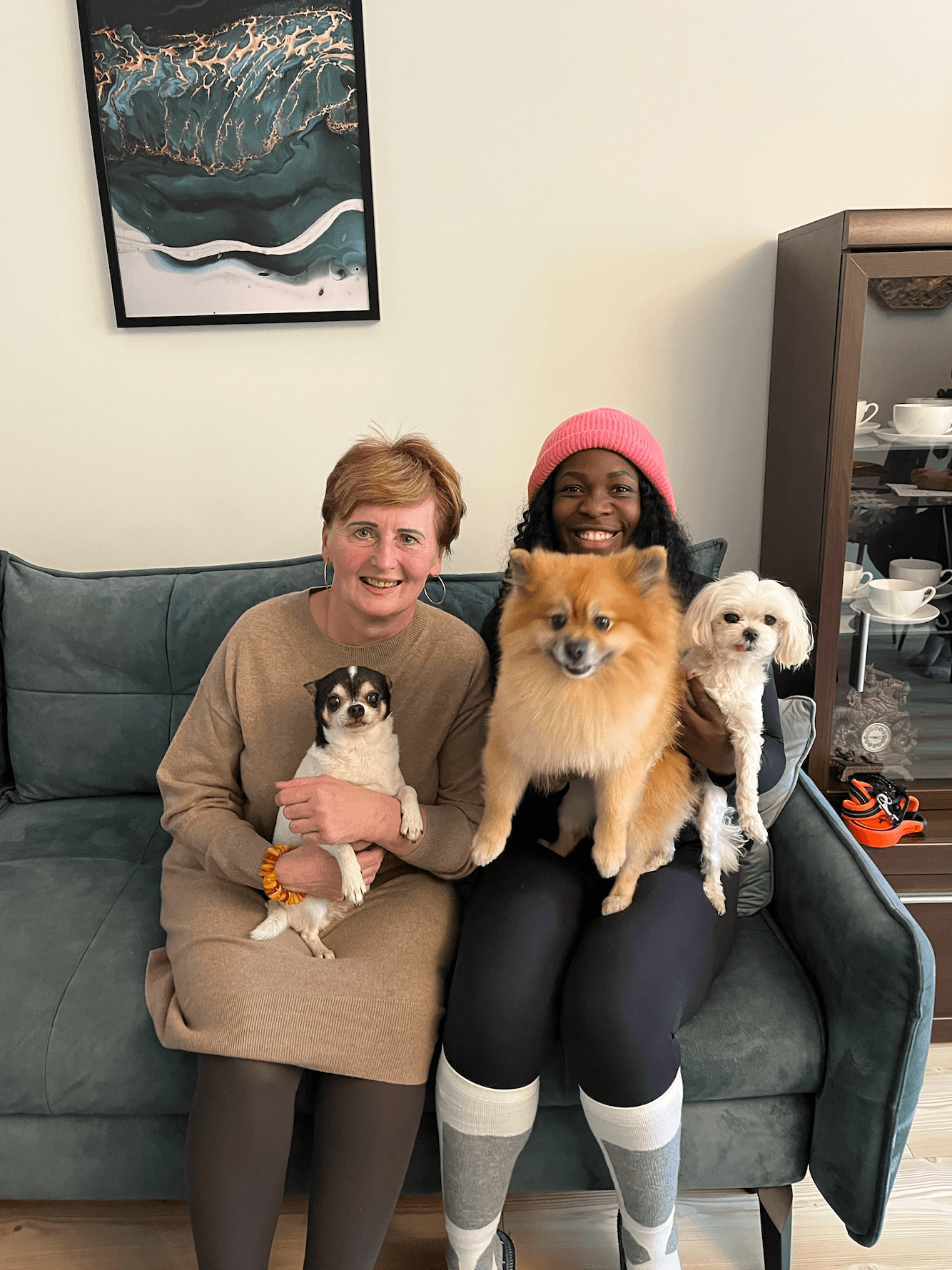
Family portrait with pets transformed into Van Gogh style
View Example
Step 3: Generate & Download Your Artwork
Click Generate, and the AI will create a brand-new image inspired by your photo. Once you're happy with the result, download the artwork in high resolution — ready for sharing or printing.
That's it. In just a few minutes, your photo becomes a unique AI-generated oil painting.
How AI Makes a Photo Look Like a Real Painting
Unlike traditional photo filters, AI doesn't simply overlay effects. It rebuilds the image using learned artistic patterns:
- Brush-stroke-like textures — visible, tactile strokes as if carved into wet oil paint
- Simplified yet expressive shapes — artistic interpretation rather than pixel-perfect copying
- Painterly color blending — rich, high-contrast palettes with warm and cool tones
- Depth similar to real canvas art — light suggested through color temperature and stroke direction
This is why AI-generated paintings feel closer to handcrafted artwork rather than edited photos.
Many AI tools also let you regenerate variations, giving you multiple artistic interpretations of the same photo — something impossible with classic filters.
3 Tips for More Realistic AI Oil Paintings
If you want results that make people ask "Did someone paint this for you?", these tips matter.
1. Start With a Clear Subject
AI works best when the main subject is obvious: a face, a pet, a single building, or a strong landscape focal point. Busy group photos or cluttered backgrounds tend to confuse the composition.
2. Good Lighting Makes a Huge Difference
Well-lit photos with visible contrast translate into richer paintings. Avoid very dark, blurry, or overexposed images — AI simplifies details, so clarity matters.
3. Think Like an Artist, Not a Photographer
Paintings don't rely on tiny details. Simple compositions with strong shapes almost always look more "painterly" after AI transformation.
Start Creating Your Own AI Oil Painting
Turning a photo into an oil painting is no longer a technical challenge — it's a creative choice. Upload an image, explore artistic styles, and let AI reinterpret your memories as art.
Experiment with portraits, landscapes, and pets. Each image tells a different story once painted by AI.
So… which photo will you turn into art first? 🎨